
Google Ads Strategy: A Practical Plan for Qualified Leads
Build a Google Ads strategy that turns clicks into leads: goals, campaign types, keywords, budgets, bidding, landing pages, tracking and testing, step by step.

Google Ads Strategy: A Practical Plan for Qualified Leads
A good Google Ads strategy is a short chain of decisions made in the right order: pick one goal, match a campaign type to it, organize tightly themed keywords and ads, set a budget and bidding method that fit the goal, send clicks to a page built for one action, and measure what happens after the click. Most wasted ad spend comes from skipping a link in that chain, usually the goal at the start or the tracking at the end.
This guide walks through each link in order, with the specifics from Google’s own documentation and from the way we run campaigns for law firms, municipalities and local businesses.
Mediaclickmediaclick.aiTurn Ad Clicks Into Qualified LeadsMediaclick combines performance-driven advertising with conversion-focused websites to help businesses and municipalities turn online clicks into qualified leads.Explore performance marketing
TL;DR
Choose one primary goal (leads, sales, traffic or awareness) before you touch campaign settings. Everything else follows from it.
Organize campaigns around narrow themes: related keywords and ads together, separate campaigns when budget or location differ.
Match bidding to the goal: conversion-based bidding for leads, value-based bidding when you can track revenue.
Send each ad group to a landing page that repeats the ad’s promise and asks for one action.
Track conversions past the form fill, and judge results on profit, not just clicks or revenue ratios.
Table of Contents
Start with one goal and one number
Match the campaign type to the goal
Research keywords by intent, not volume
Structure campaigns so you can read the results
Write ads that earn the right click
Set a budget and choose a bidding method
Build a landing page for one action
Measure past the click
Test and optimize on a schedule
Our perspective on Google Ads strategy
Work with Media Click AI
FAQ
Sources
Start with one goal and one number
Google’s own setup guidance begins with the campaign goal. Google Ads Help says a goal focuses the campaign on a specific outcome and shapes the options you see during setup. The objectives are meant to line up platform decisions with outcomes such as online sales, sign-ups or website traffic, so they are chosen before you build, not after.
For a service business the usual answer is leads. A law firm wants consultation requests. A municipality may want permit applications, event registrations or newsletter sign-ups. A contractor wants quote requests. Write the goal as a sentence with a number attached:
“Generate 30 consultation requests a month at a cost we can afford per signed client.”
“Drive 500 registrations for the summer recreation program before enrollment closes.”
The second part of that number is the one most people skip. A lead is only worth what it turns into, so work backward from what a customer is worth to what you can pay for a lead. If one in five consultations becomes a client worth several thousand dollars, you can afford a very different cost per lead than a business selling a low-margin product.
Pick the metric that matches the goal
Google Ads Help ties the metrics you watch to your goal: clicks and click-through rate for traffic campaigns, conversions for lead and sales campaigns, and return on investment, which compares advertising cost with the profit it generated. Clicks are a means. If your goal is leads, the metrics that matter are conversions, cost per conversion and, later, cost per qualified lead.

Match the campaign type to the goal
The campaign type decides where your ads appear and what they look like. Google Ads Help describes Search campaigns as the fit for people actively looking for a product or service, Display campaigns as a way to reach people across websites, Gmail, mobile apps and YouTube, and Local Services ads as an option for location-based services in the United States.
Goal | Campaign type to consider | Why it fits |
|---|---|---|
Capture people ready to hire or buy | Search | Ads show when someone types a query that signals need |
Build awareness or retarget visitors | Display | Reaches people while they browse sites, apps and YouTube |
Local service calls | Local Services ads (U.S.) | Built for location-based service businesses |
Broad conversion reach with automation | Performance Max | Uses audience signals rather than limiting delivery to a fixed customer list |
For lead generation, we start with Search almost every time. The person has already described their problem in a query, and your job is to be the clear answer. Display and remarketing earn their place later, once you have visitors worth bringing back.
Research keywords by intent, not volume
Keyword research is where strategy meets money. A keyword with thousands of monthly searches and no buying intent is more expensive than a smaller phrase that signals someone is ready to act. Three questions sort a keyword list quickly:
Is the intent close to hiring or buying? “Immigration lawyer consultation” beats “what is a visa.”
Does the term match what you actually offer? Clicks from a near-miss are paid mistakes.
Does the typical cost per click make sense against the value of a conversion? A high-CPC term can still pay off when each client is worth a lot, and a cheap term can lose money when conversions are worth little.
Google Ads Help suggests traffic-focused advertisers keep tightly themed keyword lists of roughly 20 to 30 terms, watch how each performs, and replace terms that do not bring useful traffic. Small, themed lists are easier to write ads for, easier to read in reports and easier to fix.
Use negative keywords and location settings
People searching for jobs, free templates or DIY answers will click your ads if you let them. Review your search terms report regularly and add the irrelevant ones as negatives. Location matters just as much. Google’s Search campaign setup lets you target or exclude geographic locations and choose whether targeting is based on people’s presence in a place or their interest in it. A municipality advertising to residents and a law firm serving one state both need to check this setting, because the default can reach people you cannot serve.
Structure campaigns so you can read the results
Account structure is a strategy choice, not housekeeping. Google recommends grouping related ads with related keywords and building each ad group around a narrow theme. It also advises separate campaigns when settings such as budget or location targeting differ, and one campaign when ads share a budget and locations.
A practical layout for a law firm with three practice areas:
Campaign 1: Immigration. Ad groups for family visas, work visas and green card applications.
Campaign 2: Personal injury. Ad groups by injury type.
Campaign 3: Brand terms. The firm’s own name, on a small, separate budget.
Each practice area gets its own budget because each has its own value per client. If everything shared one budget, the cheapest clicks would quietly eat the money meant for the most valuable cases.
Write ads that earn the right click
Google’s guidance for ad groups is to mention a keyword in an ad headline where it fits naturally, include at least three ads per ad group and use optimized ad rotation. The point of multiple ads is learning: you see which promise people respond to.
Good search ads for service businesses do four things:
Echo the searcher’s words in the headline.
State one concrete benefit or differentiator, such as a free first consultation or a response time, only when it is true for you.
Include a clear next step, such as “Request a consultation.”
Use extensions where available, such as phone numbers and location details, so the ad answers questions before the click.
An ad that filters is better than an ad that merely attracts. If you only serve residents of one county, say so. You lose some clicks and keep the budget for people you can help.
Set a budget and choose a bidding method
Google Ads Help explains that an average daily budget controls your spending and can be changed at any time. Actual spend on a given day may reach up to twice the daily average, while monthly charges are capped at the average daily budget multiplied by 30.4. Plan around the monthly ceiling, not a single day’s number.
The same page maps goals to bidding: Maximize Conversions or Target CPA for conversions, Target ROAS for conversion value such as revenue or profit, and vCPM for viewable-impression awareness on Display. Put simply:
You count leads and each lead is roughly equal: Maximize Conversions, then Target CPA once you have a stable cost per lead.
Leads or sales have different values and you can report them: Target ROAS.
You want to be seen, not to collect leads: a viewability or impression-based approach on Display.
Automated bidding needs data. A campaign with a handful of conversions a month gives the system little to learn from, so start with fewer, tighter campaigns instead of spreading a small budget across many.
Move budget toward what works
Google Ads Help advises giving more budget to campaigns that do better against your business goals and less to experiments or campaigns with lower return. Review this monthly. If you want a deeper look at what budgets look like in practice, our breakdown of how much Google Ads costs for a small business covers it.
Build a landing page for one action
The ad earns the click. The page earns the lead. Search Engine Journal’s conversion-rate guide recommends matching landing page copy to the ad copy, using action-oriented calls to action, making the button visually distinct and visible before scrolling, and testing alternative calls to action.
In practice, a landing page that converts has:
A headline that repeats the promise in the ad.
Short, scannable copy that answers “what do I get, and what happens next?”
A form with only the fields you need to follow up.
A phone number that works with one tap on mobile.
Proof that fits the audience: case results for a law firm, clear service information for a municipality.
One obvious action, not five competing links.
Sending paid traffic to a general homepage is the most common leak we see. If you are redesigning a site anyway, design that converts starts from the action you want the visitor to take, then builds the page around it.
Measure past the click
People often call a campaign successful when the form fills arrive. The better question is whether those leads became customers. Google Ads Help says conversion tracking measures valuable actions after the click, such as purchases, sign-ups or information requests. It also recommends offline conversion tracking to improve conversion quality when leads move further down your sales funnel, and linking Google Analytics for deeper insight.
For service businesses, that means telling Google which leads turned into signed clients, not only which ones filled out a form. Phone leads need the same treatment, and our guides on setting up Google Ads conversion tracking and tying phone leads to ads with call tracking show how.
Read benchmarks carefully
Google notes that a click-through rate of at least 1% and a Quality Score of at least 5 can be a general indication of keyword performance, while warning that acceptable values vary with the account and the traffic. Use them as a prompt to look closer, not as a pass or fail grade.
Set return targets that include real costs
Return on ad spend divides conversion revenue by ad spend. It measures revenue efficiency, not profit. A ratio that looks healthy can still lose money when margins are thin or when fulfillment, returns and labor take a big share of each sale. Before you set a target, work out what each job or client actually costs to deliver. Contractors, for example, can start with profit margin benchmarks for contractors and then set the break-even return their ads must beat.
Test and optimize on a schedule
Google Ads Help recommends testing different ad text, images and targeting, then using the results to favor the highest-performing assets. It also points to observation settings, where available, which let you monitor selected audiences, placements or topics without changing who sees your ads.
A simple monthly rhythm works for most small accounts:
Week 1: review the search terms report, add negatives, pause keywords that spend without converting.
Week 2: compare ad variations and keep the winner of each test.
Week 3: review landing page conversion rates by device and test one change.
Week 4: compare cost per qualified lead by campaign and shift budget.
Change one thing at a time where you can. If you change the ad, the page and the bidding in the same week, you will not know which change moved the numbers.
Our perspective on Google Ads strategy
We have managed over $3.2 million in ad spend, and the pattern we see is consistent: strategy is rarely lost in the ad platform. It is lost between the click and the conversation.
Our approach is to treat the ad, the landing page and the reporting as one system. A campaign built for qualified leads needs a page designed to convert them and reporting that shows which leads became clients. When those three pieces are designed together, optimization becomes a matter of reading clear signals instead of guessing.
That is why we pair paid media with website design and analytics. Law firms and local governments have different audiences and different definitions of success, so we tailor goals, messaging and measurement to each, and keep reporting transparent so you always see what your budget is doing.
the author
Work with Media Click AI
If you would rather have a team build and run this plan, we offer paid media, conversion-focused web design, analytics and reporting, and lead generation for municipalities, law firms and businesses. Pricing is custom and set by project scope, so the quickest route is to tell us your goal. See our paid media and web design services or start from our homepage.
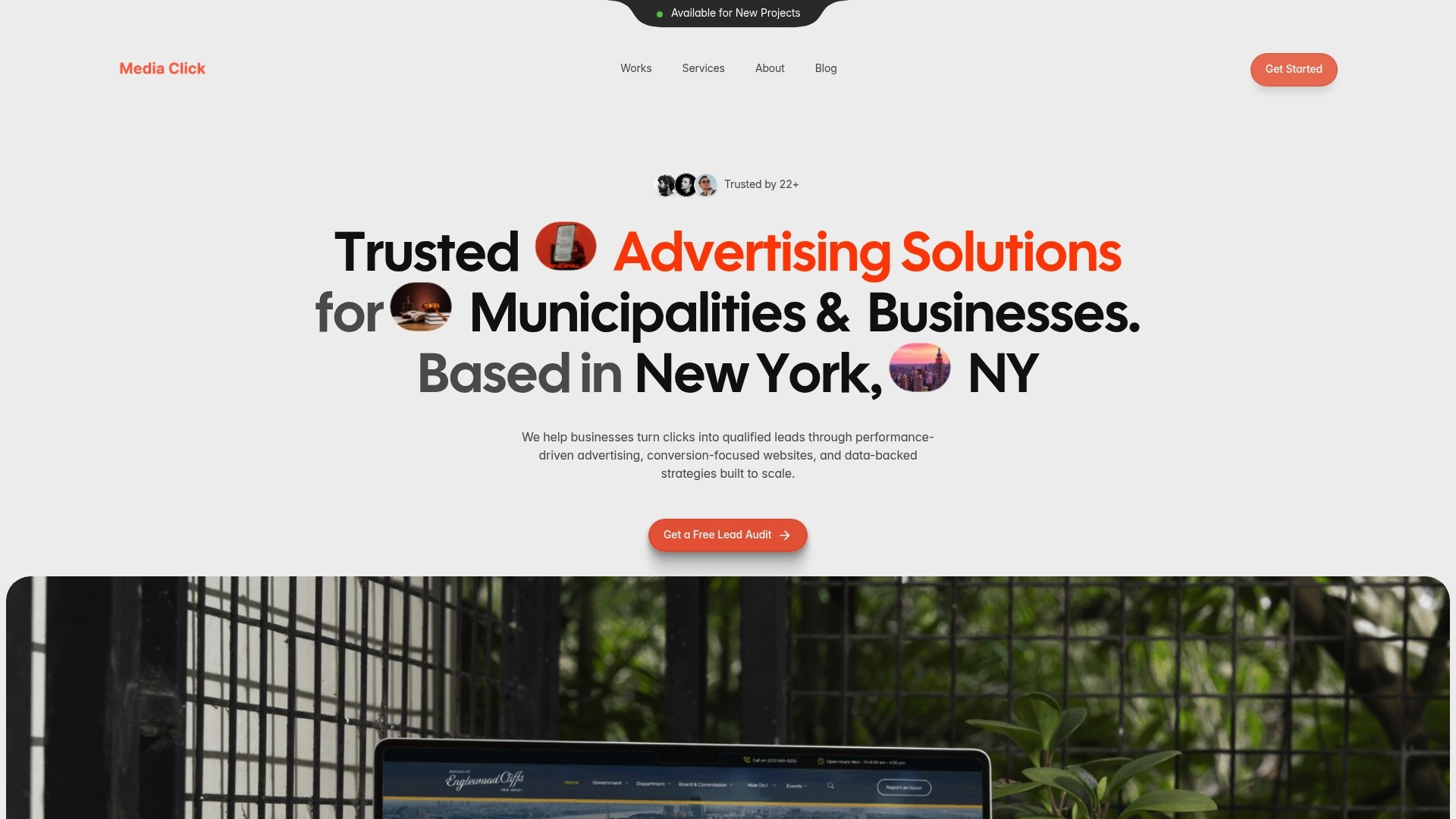
For an example of the results this kind of work targets, see our immigration law campaign. For public-sector work, see how we approached the Borough of Englewood Cliffs civic website.
FAQ
What should a Google Ads strategy include?
A clear primary goal, a campaign type that fits it, tightly themed keywords and ads, a budget and bidding method matched to the goal, a landing page built for one action, and conversion tracking. Add a regular testing routine so the plan improves over time.
How much should I spend on Google Ads?
Start from what a customer is worth and how many leads it takes to win one, then work backward to a cost per lead you can afford. Your average daily budget can be changed at any time, so begin at a level you can sustain and adjust. For ranges by business size, see our guide on Google Ads costs for small businesses.
Which bidding strategy is best for lead generation?
For most lead campaigns, Maximize Conversions or Target CPA, since both optimize for the number of conversions. If your leads have different values and you can track them, Target ROAS lets Google bid toward conversion value instead.
How is a Google Ads strategy different from a Meta Ads strategy?
Google Search reaches people who are actively searching, so intent comes from the query. Meta reaches people while they browse social feeds, so creative and audience do more of the work. Many businesses use both, and our Meta ads strategy framework covers the second.
Sources
8 steps to prepare your campaign for success, Google Ads Help
What to track based on your advertising goals, Google Ads Help
15 Fixes To Improve Low Conversion Rates In Google Ads, Search Engine Journal